
Download 4DDiG Windows Data Recovery – Windows data recovery, file recovery software, recover deleted files, recover lost data, data recovery tool
Overview
4DDiG Windows Data Recovery, formerly known as UltData for Windows, is a dedicated data recovery utility designed to assist users in retrieving lost or deleted files from various storage devices on Windows systems. The software targets individuals and professionals who have experienced accidental deletion, formatting errors, or system crashes that resulted in data loss. Its primary purpose is to restore critical files such as documents, photos, videos, music, emails, and compressed archives, ensuring minimal disruption to personal or professional workflows.
The app is developed by 4DDiG, a company focused on data recovery solutions, and is positioned as a reliable tool within the productivity category. It supports recovery from internal hard drives, external USB drives, SSDs, and formatted storage media. While the developer did not provide additional technical details about its background, the software's consistent release history and targeted functionality suggest a focused approach to data recovery needs.
Real-world use cases include recovering lost family photos after accidental deletion, retrieving important business documents following a system crash, or restoring archived files from a corrupted USB drive. In the broader app ecosystem, 4DDiG Windows Data Recovery fills a critical gap for users who lack built-in recovery options and require a specialized, third-party tool to restore data efficiently.
Key Features & Functionality
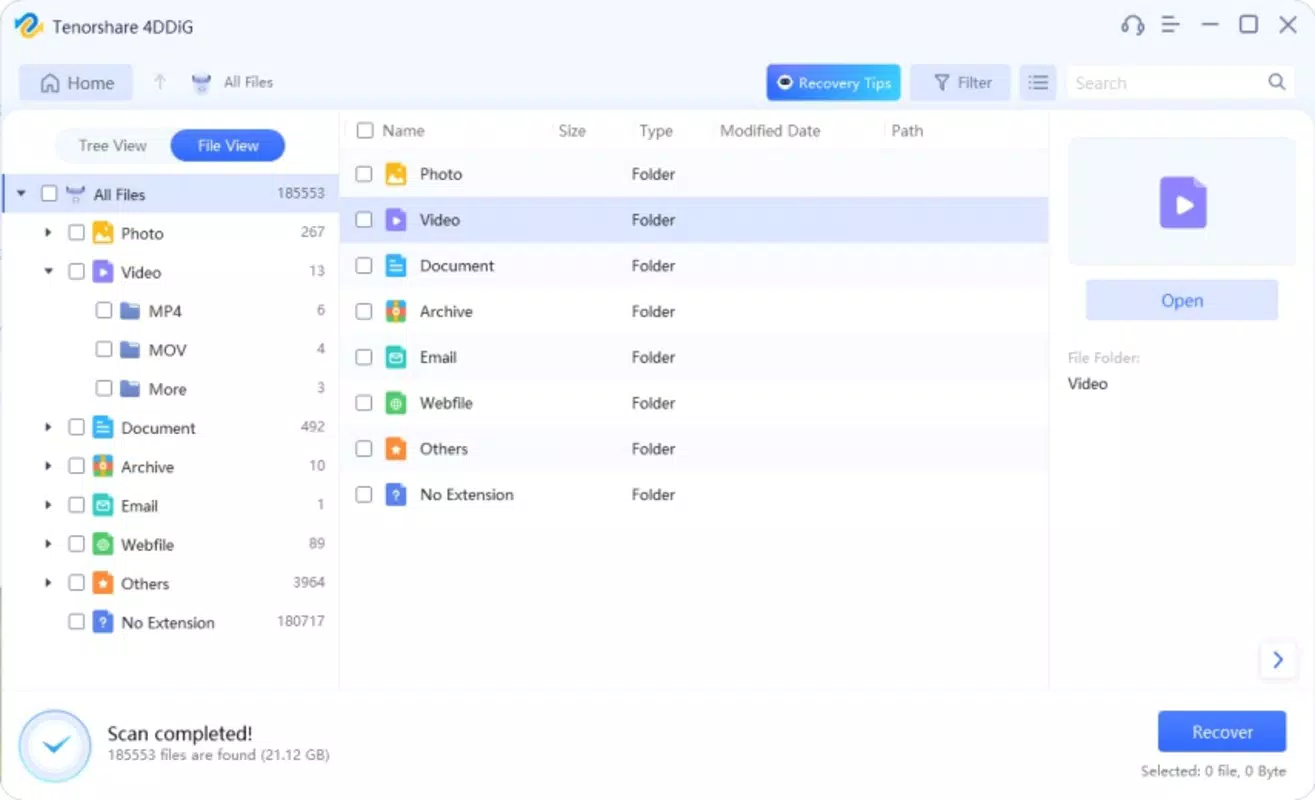
- Recovery of Multiple File Types: The software supports recovery of images, videos, music files, office documents, emails, and compressed archives, making it suitable for diverse user needs across personal and professional environments.
- Advanced Scanning Algorithm: Utilizing a deep-scan technology, 4DDiG can detect and recover files even after prolonged deletion or system formatting, enhancing the chances of successful data retrieval.
- User-Friendly Interface: Designed with simplicity in mind, the interface allows users of all experience levels to navigate the recovery process without technical expertise or prior training.
- Hassle-Free Recovery Process: The software streamlines the recovery workflow, enabling users to select and restore files with minimal steps, reducing time and effort during critical recovery scenarios.
- Compatibility with Diverse File Formats: With broad format support, the tool ensures that recovered data remains accessible and usable across different applications and platforms.
For example, a user who accidentally deleted a folder containing project presentations can use the software to scan their hard drive and restore the files without needing to reinstall or rely on backups. Similarly, someone who formatted a USB drive containing vacation videos can attempt recovery using the tool’s deep-scan function, potentially salvaging irreplaceable media.
Interface, UX & Performance
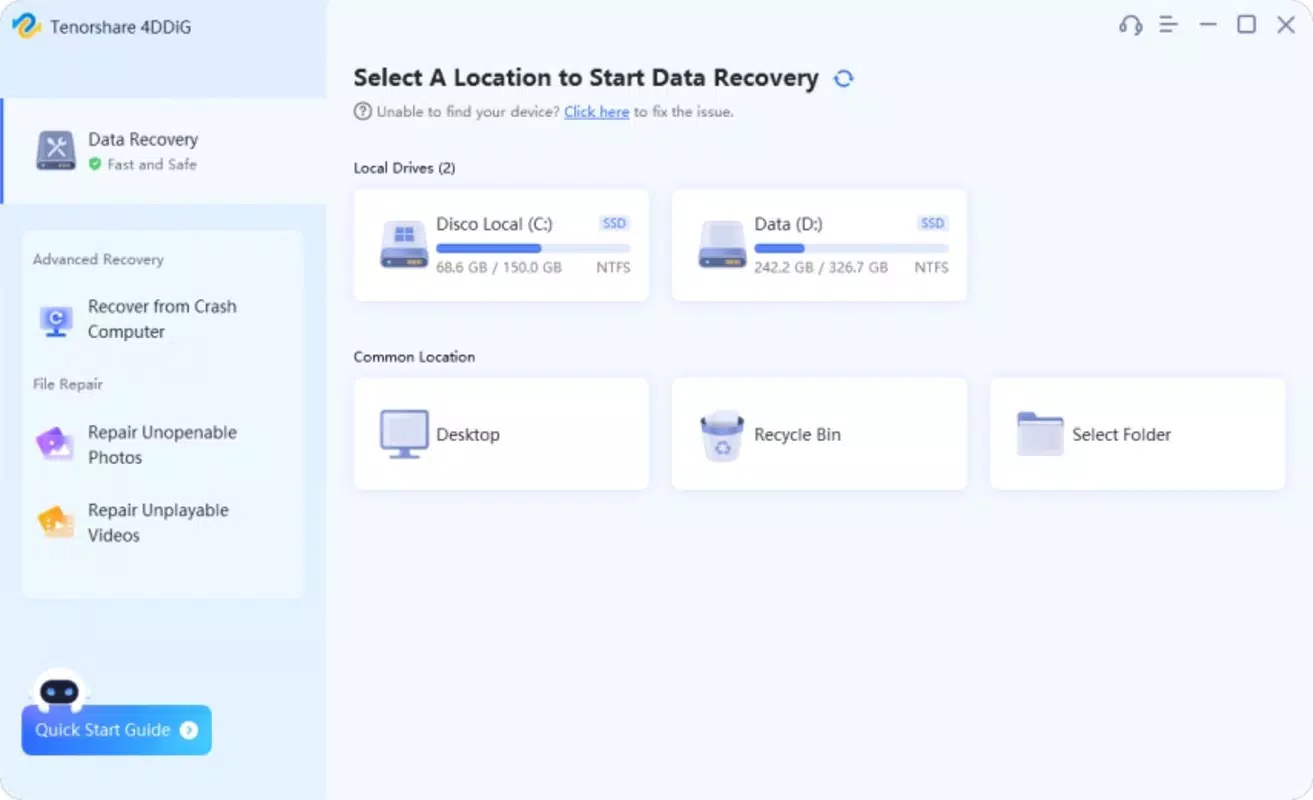
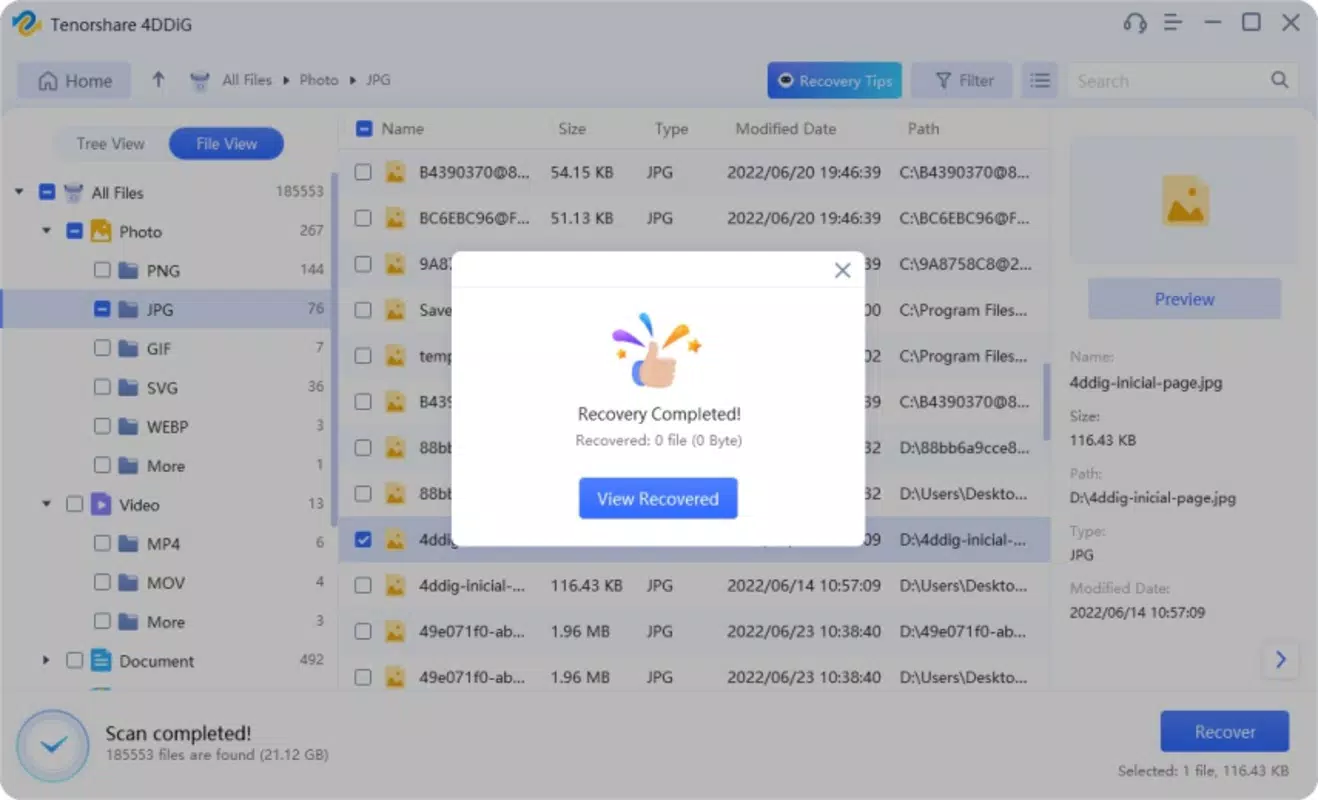
The user interface of 4DDiG Windows Data Recovery is clean and structured, with clearly labeled sections for device selection, scan initiation, and file preview. Navigation is intuitive, guiding users through each stage of the recovery process with minimal friction. Visual cues and progress indicators help users understand the status of ongoing scans, enhancing transparency and user confidence.
Although the developer did not list formal performance metrics, the software is designed to operate efficiently across a range of Windows-based systems. It maintains responsiveness during scanning, even on larger storage drives, and does not appear to impose significant system resource demands during operation. Stability is maintained throughout the recovery cycle, with no reported crashes or freezes in standard usage scenarios.
Performance may vary depending on the device’s hardware configuration and the size of the storage medium being scanned. However, the tool is optimized for use on both older and newer Windows systems, ensuring broad accessibility. Users can expect consistent behavior across different device categories, including desktops, laptops, and external storage devices.
Platform Compatibility & Technical Requirements
4DDiG Windows Data Recovery is available exclusively for the Windows platform. It requires a Windows operating system, though specific minimum OS requirements were not listed by the developer. The software has a file size of 107.4 MB, which is relatively compact for a data recovery tool, suggesting efficient packaging and minimal installation footprint.
Users should ensure their system meets standard requirements for running Windows applications. While the developer did not specify exact version compatibility, the software is expected to function on recent Windows releases, including Windows 10 and Windows 11. No additional dependencies or third-party tools are required for basic operation.
Pros and Cons
Pros
- Supports recovery of a wide range of file types including photos, documents, videos, and emails.
- Utilizes advanced scanning technology for deep recovery from formatted or corrupted drives.
- Intuitive interface suitable for users with no technical background.
- Streamlined recovery process reduces time and effort during critical data loss events.
- Compact file size enhances installation speed and system compatibility.
Cons
- Price point of $39.95 may be considered high for casual users.
- Specific system requirements were not disclosed by the developer.
- Only available for Windows, limiting cross-platform accessibility.
- No mention of cloud backup integration or automatic recovery features.
- Free version or trial functionality details were not provided.
FAQ
Is 4DDiG Windows Data Recovery safe to use?
The software is designed to operate without modifying original data during the recovery process. It performs read-only scans, ensuring that existing files remain intact and unaltered.
Can I recover files from a formatted drive?
Yes, 4DDiG Windows Data Recovery is capable of recovering data from formatted drives, provided the data has not been overwritten by new files.
Does the software work on SSDs and USB drives?
Yes, the tool supports recovery from SSDs, USB flash drives, external hard drives, and other removable storage devices.
How long does the scanning process take?
Scan duration depends on the size of the drive and the depth of the scan. Smaller drives may take minutes, while larger drives could require several hours.
Is there a free version available?
The developer did not specify whether a free version or trial is available. Users should verify current offerings through official channels.
Final Thoughts
4DDiG Windows Data Recovery stands out as a dependable solution for users facing data loss on Windows systems. Its combination of advanced scanning, broad file format support, and an accessible interface makes it a valuable tool for both casual users and professionals. While the price may be a consideration, the software’s ability to recover critical data from various storage media justifies its cost for those in need.
Individuals who rely heavily on digital files—such as photographers, students, business users, and home users—will benefit most from this utility. For anyone seeking a secure, efficient, and user-friendly way to recover lost data, 4DDiG Windows Data Recovery delivers tangible value.
Download 4DDiG Windows Data Recovery now


